
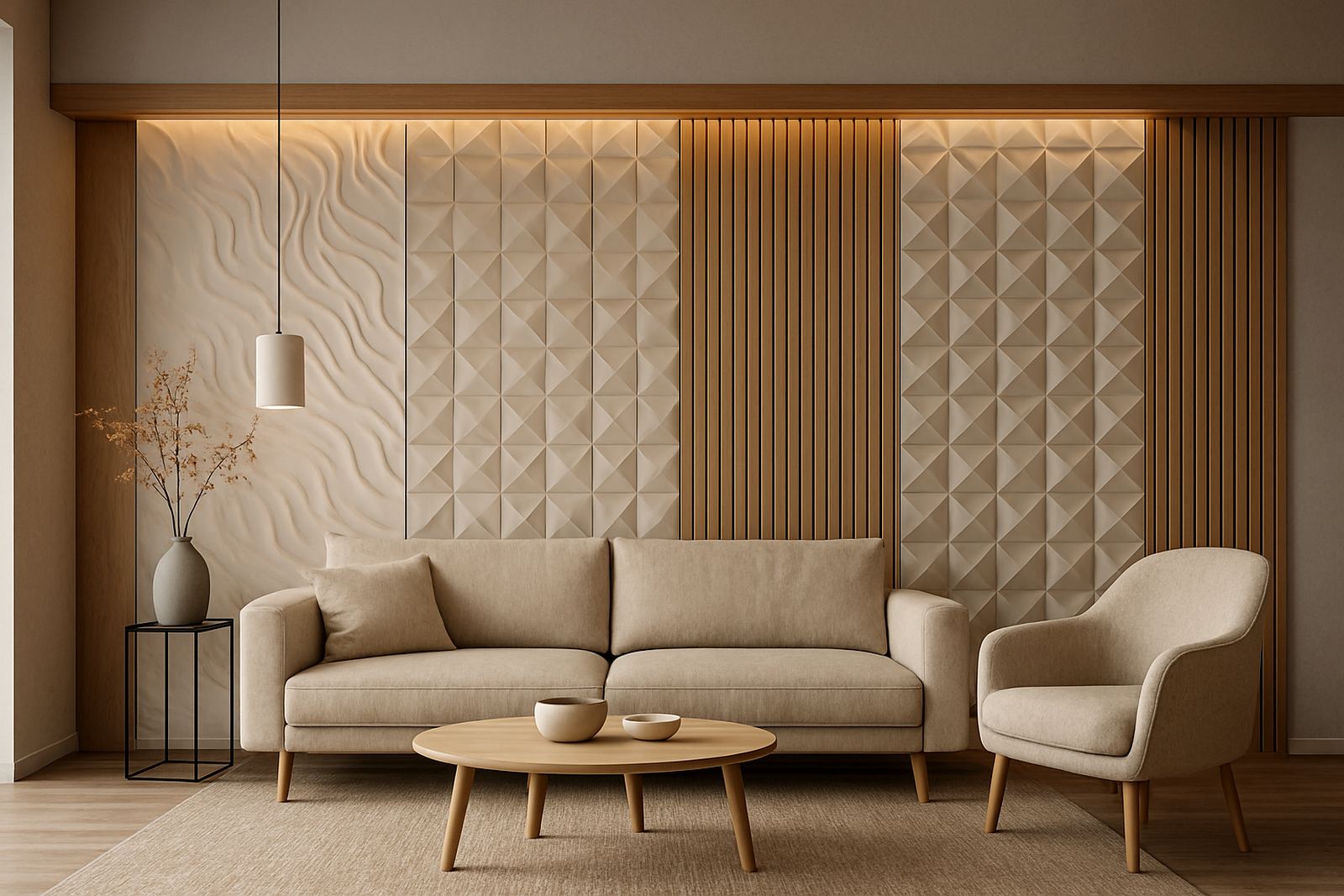
Walls that are never quite square
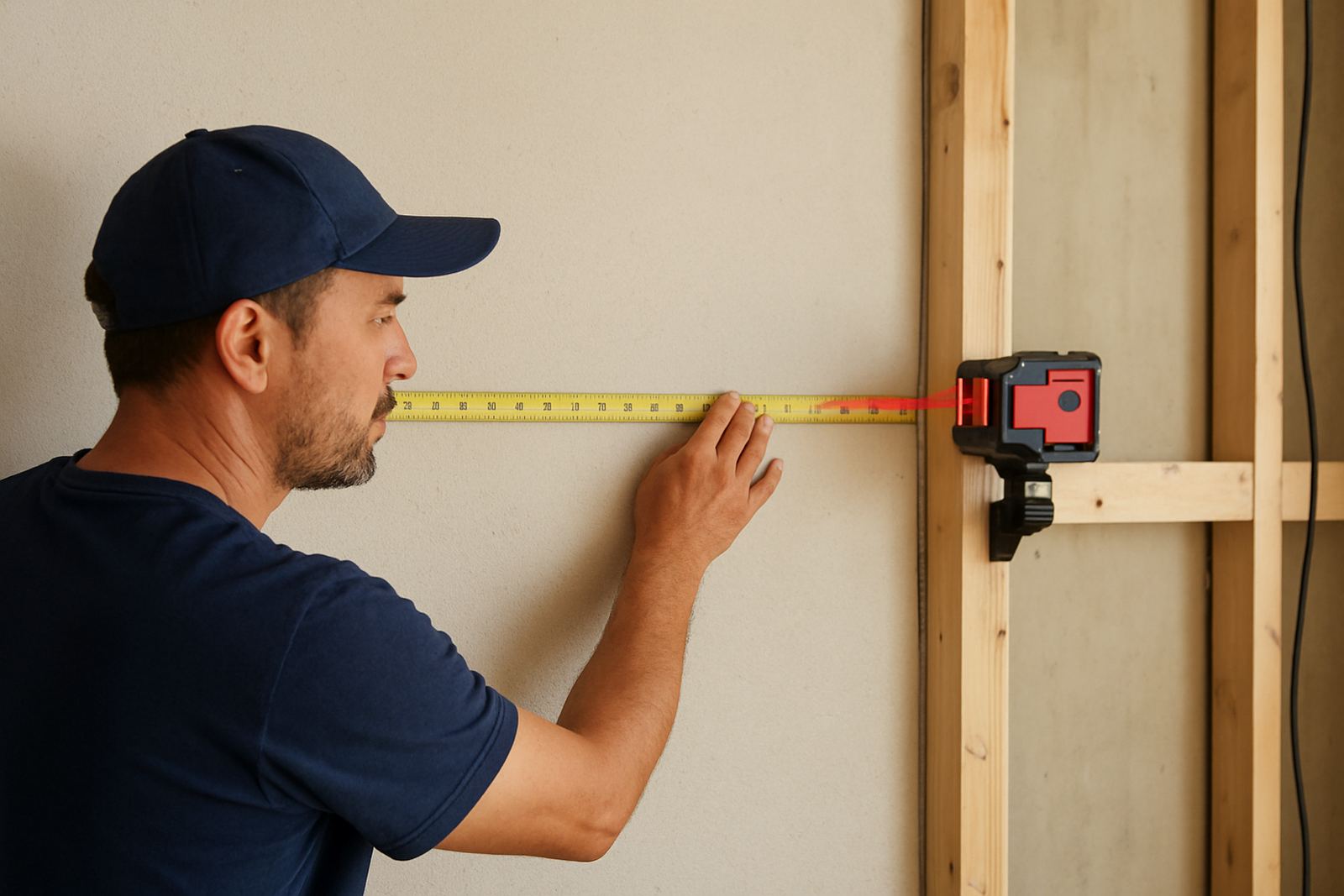
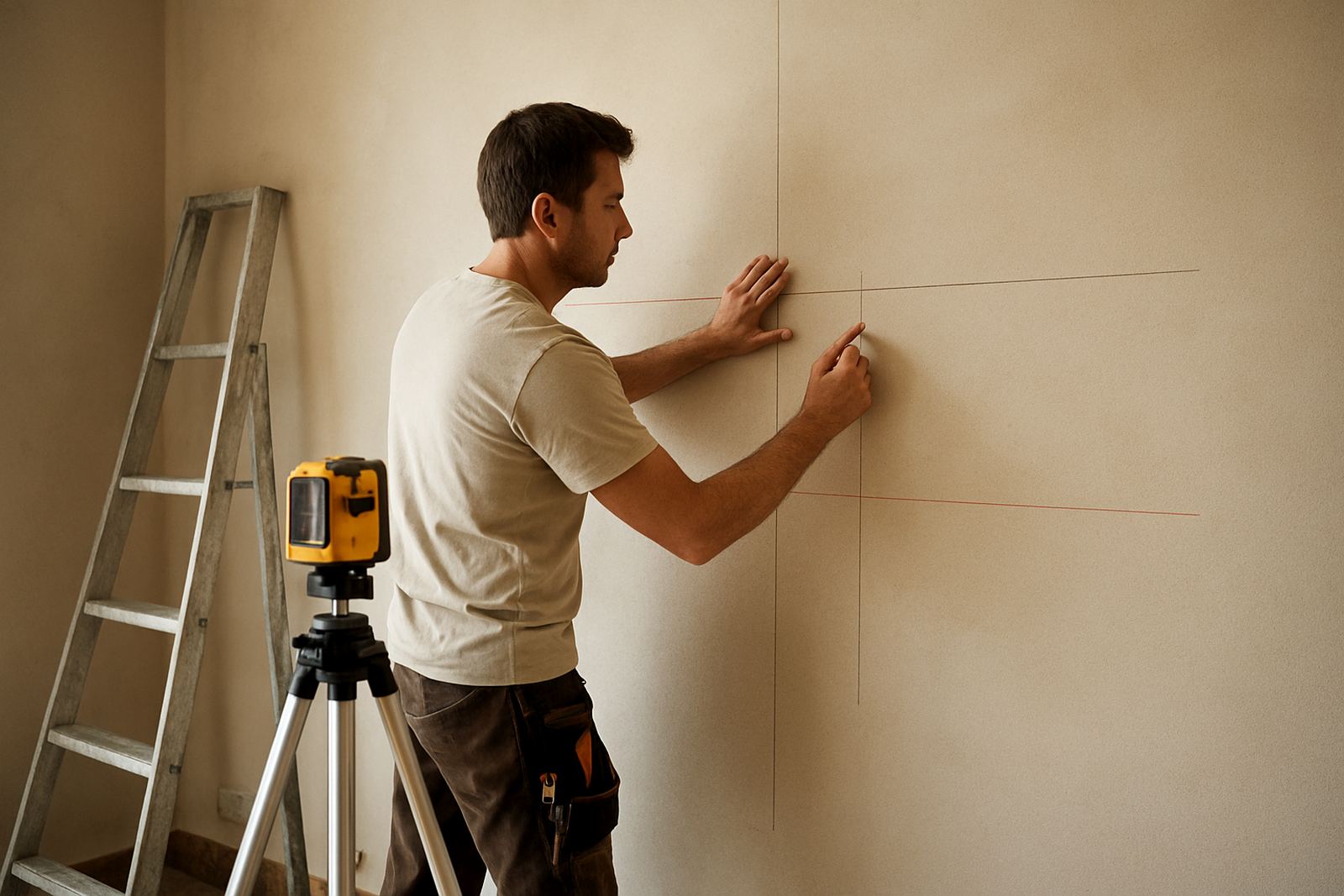
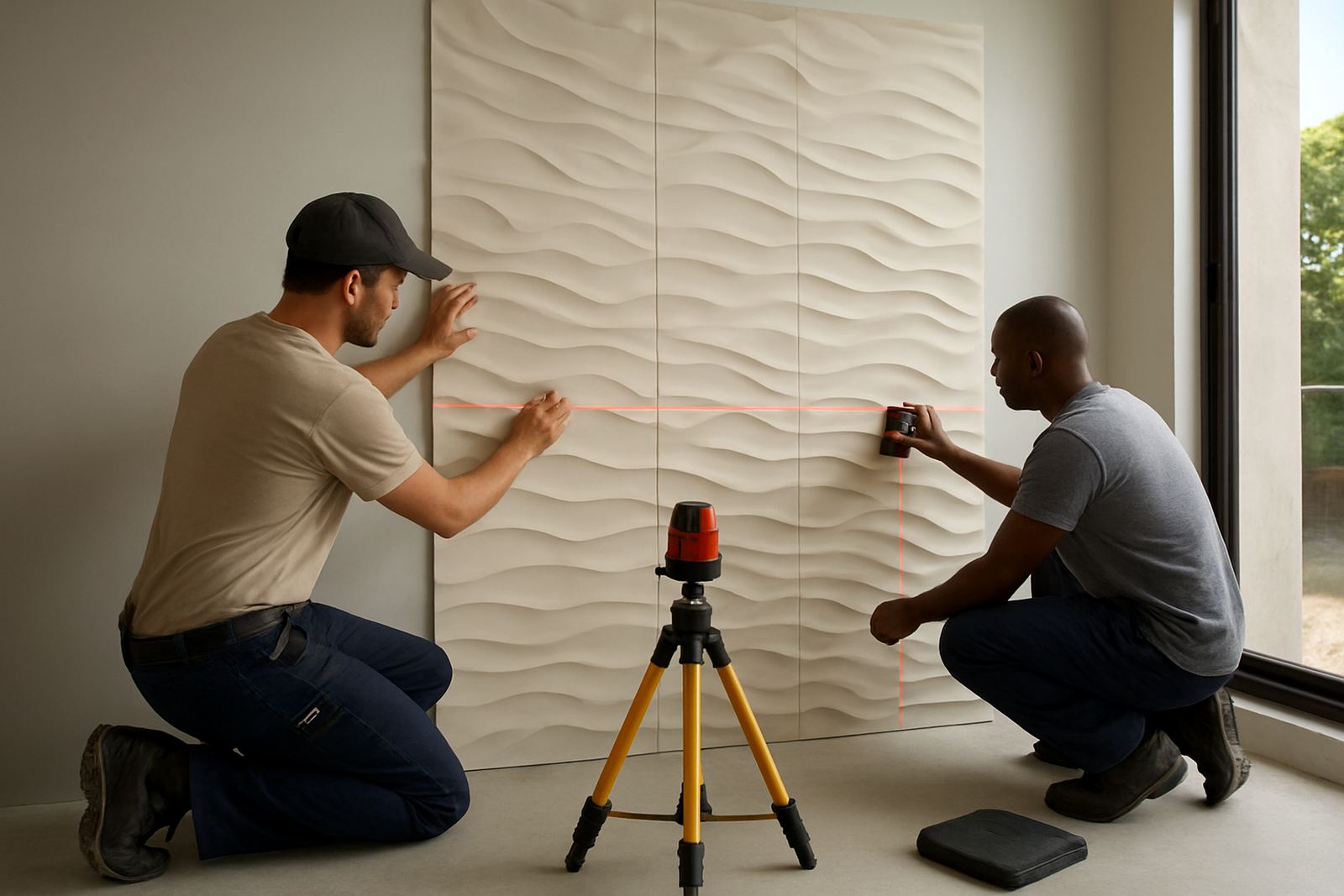
Most of the walls we clad in Cape Town are not perfectly square. There is a plug point where the layout wants a joint, a column that eats into the run, or an old plaster wall that bows a few millimetres in the middle. That is why so much of our work is custom cut panels, trimmed to the wall they are going on.
For a long time a lot of that cutting happened by hand, on site or on a panel saw in the workshop. It worked, but our MDF groove panels and geometric 3D panels always needed more care than a saw can give. So we brought panel routing in-house in two parts, a machine and the know-how to run it, and AM.CO.ZA supplied both.
The problem: patterns that have to line up across a whole wall
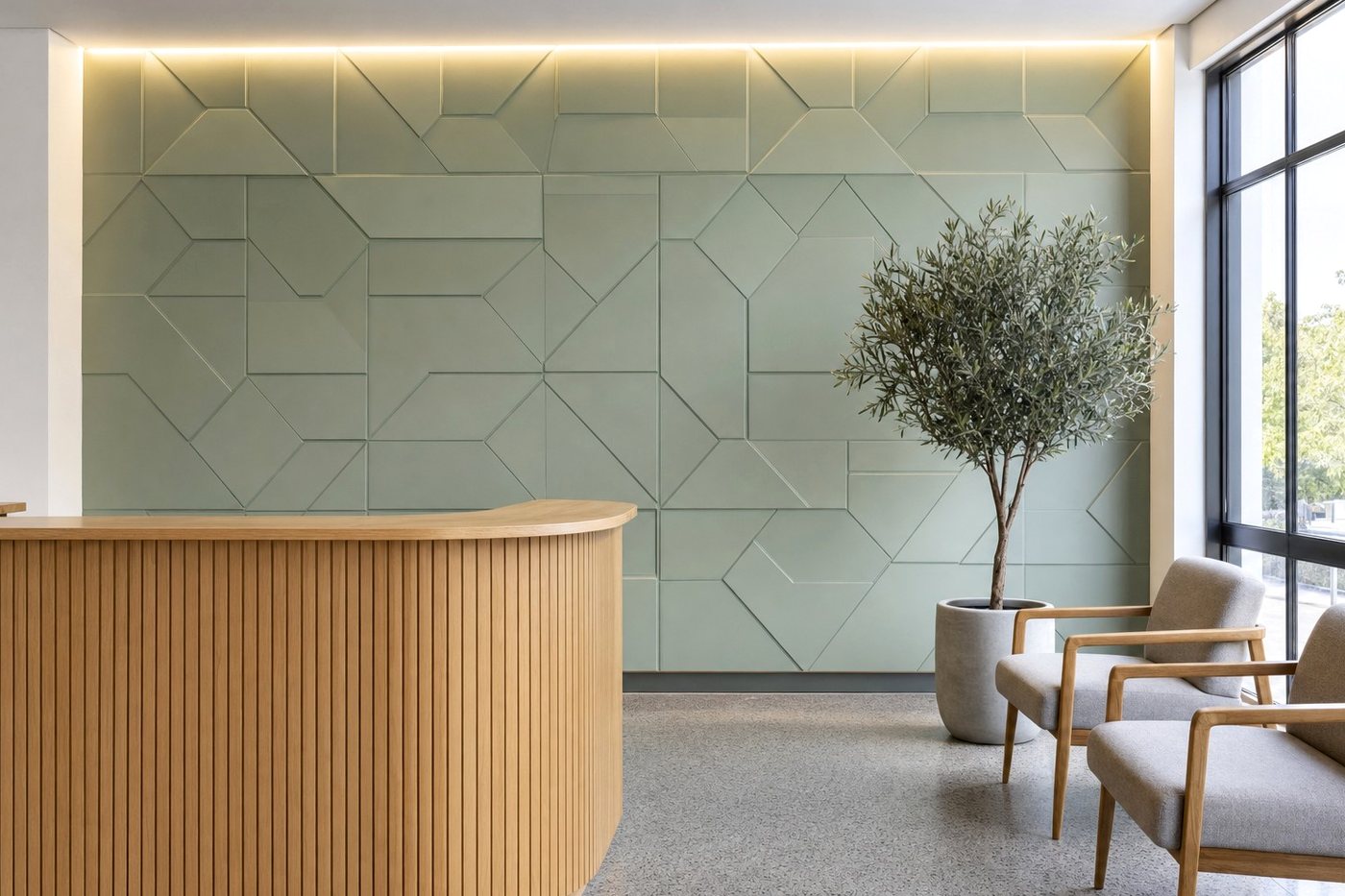
A fluted or faceted wall only looks right when every line runs through from one board to the next. If one groove is out, your eye finds it, especially under a downlight or a layered lighting wash. Bianca Naidoo, our design advisor, takes clients through sample matching before a layout is signed off.
“The pattern is the product, so when a client approves a layout from a sample, the finished wall has to read like that sample from edge to edge.”
Bianca Naidoo, Design Advisor
Gerhard Steyn, our workshop supervisor, wanted to cut the pattern, the outline and the cut-outs for switches and vents in one setup, from the same drawing our feature wall layouts start from.
The machine we chose
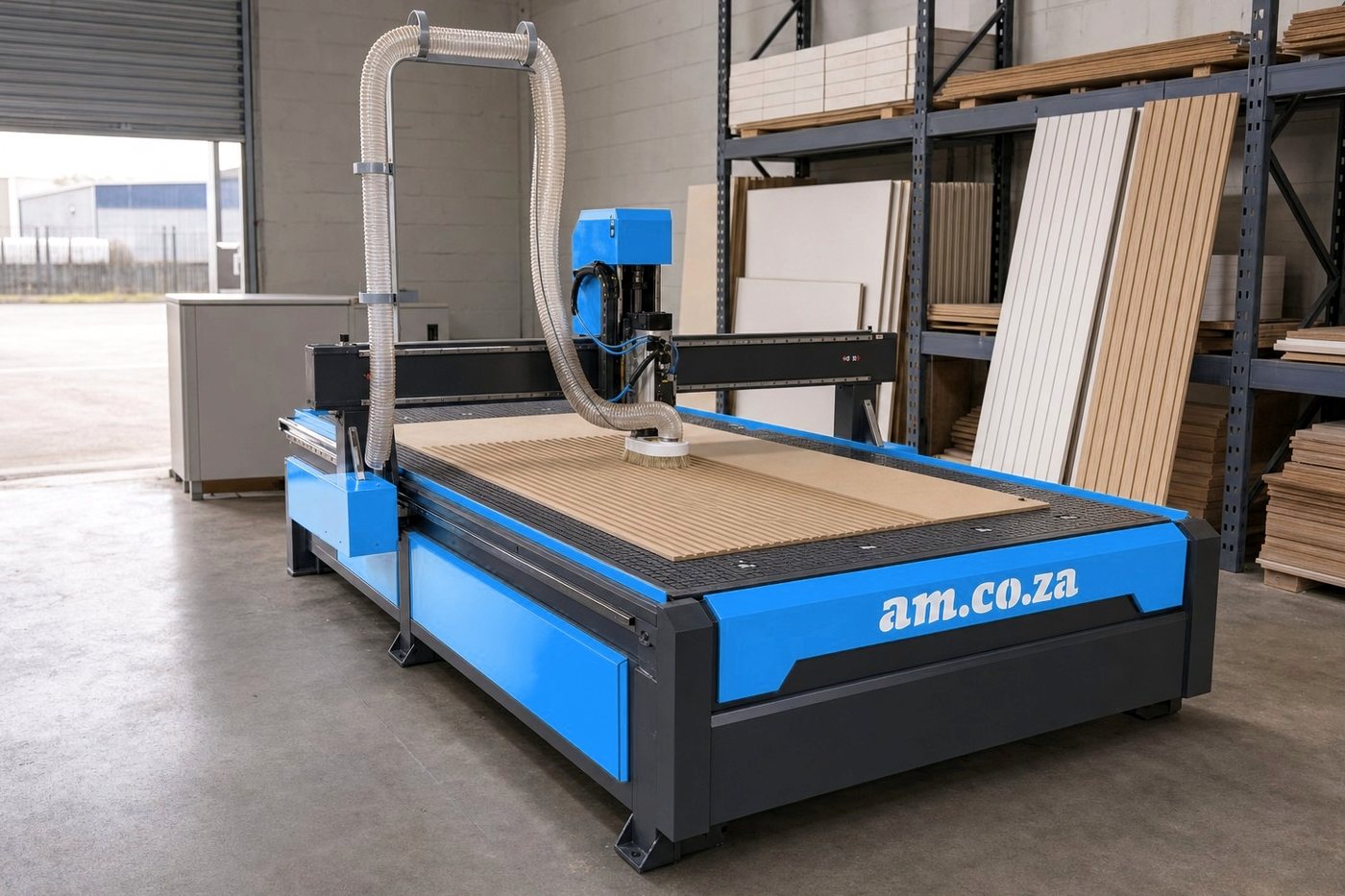
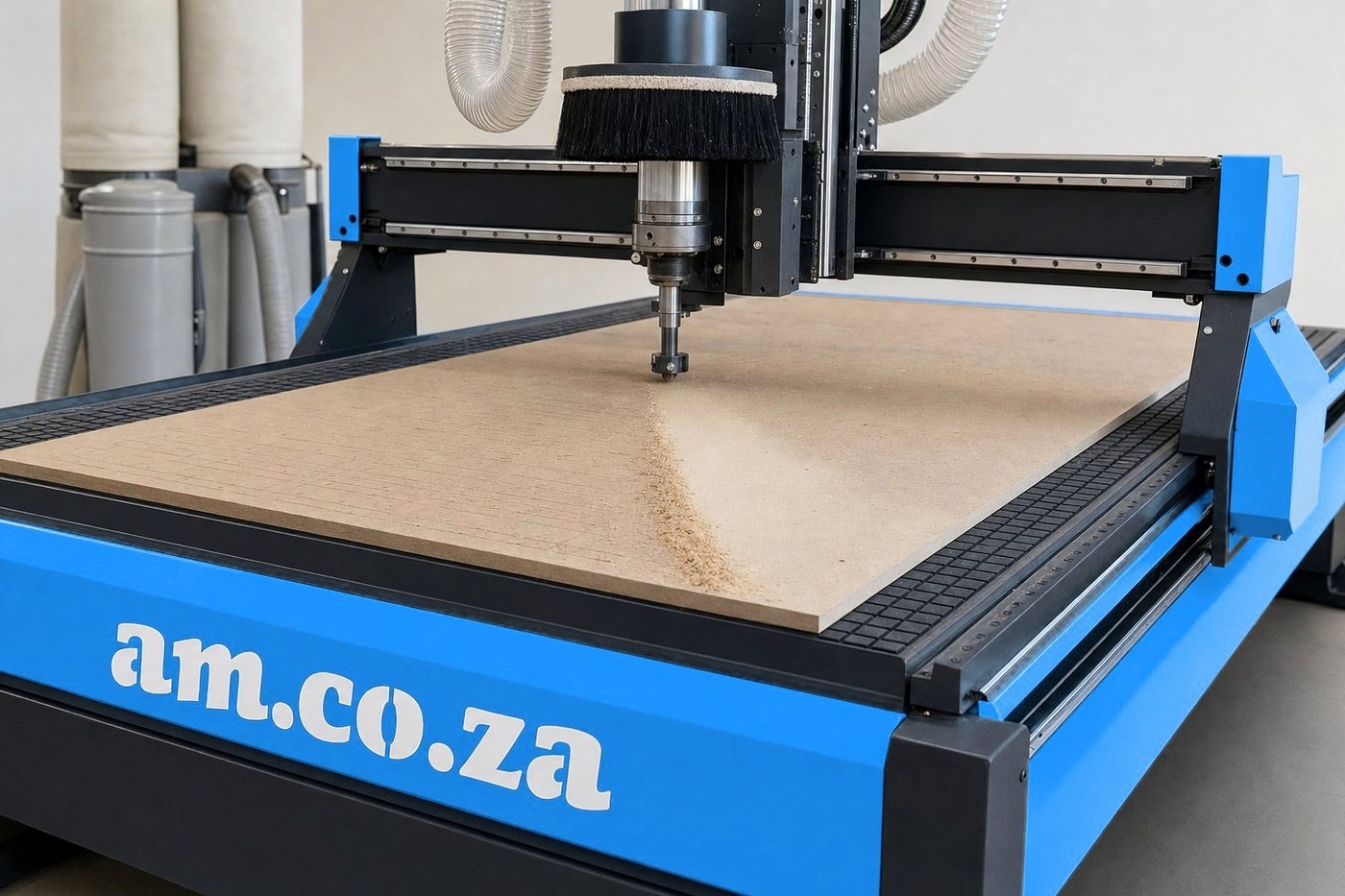
We went with an AM.CO.ZA EasyRoute 2050 × 3050 mm vacuum-table CNC router with a 9 kW ATC spindle. It comes as a full package with a vacuum pump and dust collector, which matters in a panel workshop where MDF dust settles on everything.
- Sheet size. The table takes a full MDF board with room around it, so a long fluted panel comes off the machine in one piece.
- Vacuum hold-down. Boards stay flat on the clampable PVC table while the pattern is cut, which keeps every groove at one depth from end to end.
- Two cutters, one job. One job can use a cutter for the outline and another for the pattern, with no stop to swap bits by hand.
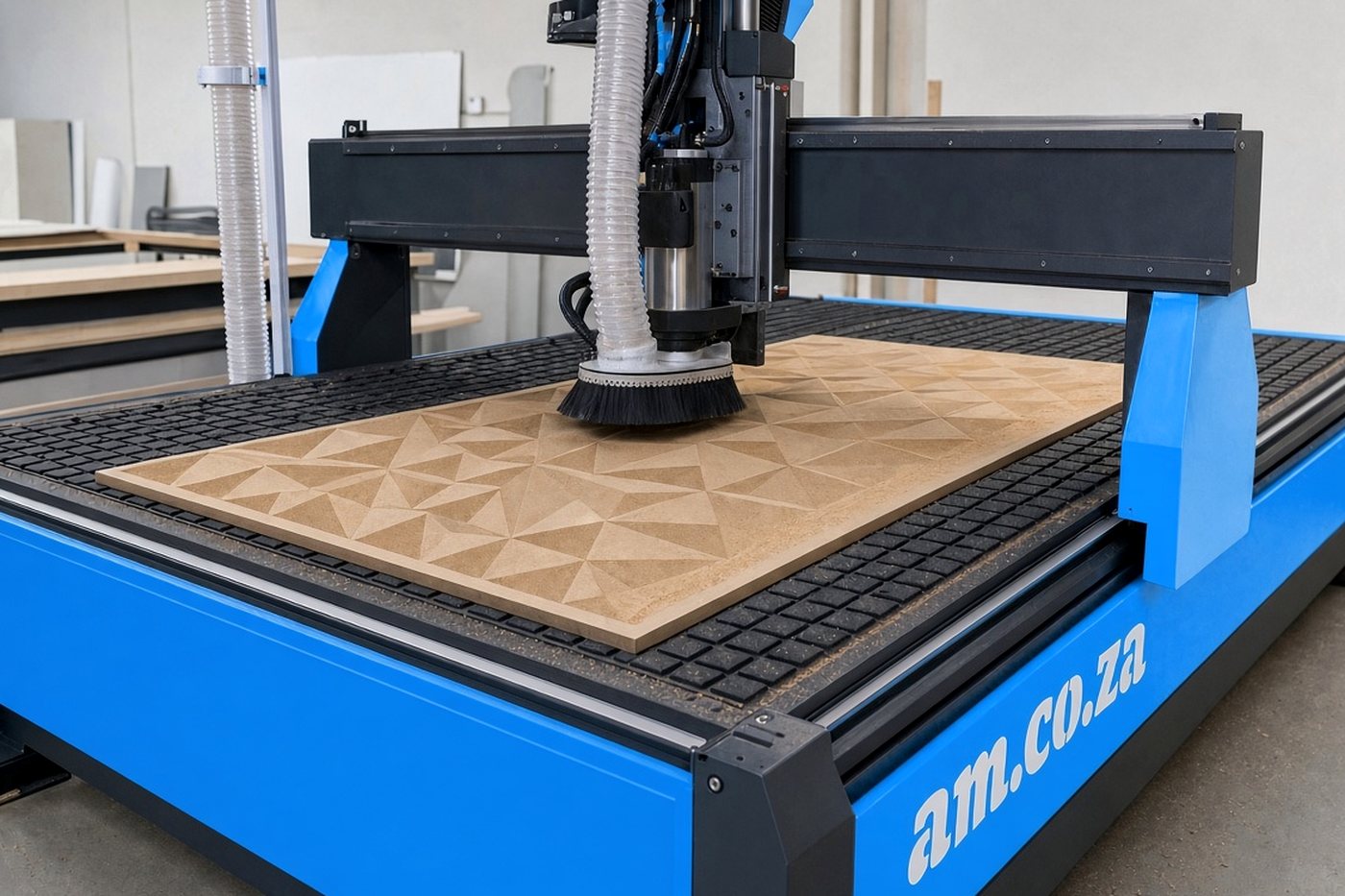
Before we committed, Gerhard watched AM.CO.ZA’s walk-around of the router’s build and parts, an honest look at what you are buying: Quality Check on EasyRoute CNC Router, Components and Specs.
For tooling we keep 6 mm spiral single-flute router bits on the shelf for MDF outlines and grooves, and a 45 mm spoilboard surfacing flycutter to keep the bed level. Our layouts are drawn in CorelDRAW, so we added the RouterCAM plugin for CorelDRAW, which turns Bianca’s panel drawings into toolpaths without redrawing them in another program.
Training the team
The machine follows whatever it is given, so the people setting it up needed proper training. Gerhard and two of the workshop team worked through the CNC Router Course from Ambitious Academy. It covers machine parts, CorelDRAW with RouterCAM, setup and toolbit choice, vacuum tables, dust control and maintenance, with practical tasks on a working router. Several of its bonus lessons are AM.CO.ZA’s own videos.
“I’ve cut panels for years, but I hadn’t run a CNC router every day. The course filled in what you don’t pick up by watching someone else: zeroing, tool length, why the spoilboard matters. My guys did the practical tasks on the router we use for client work, so the lessons stuck.”
Gerhard Steyn, Workshop Supervisor
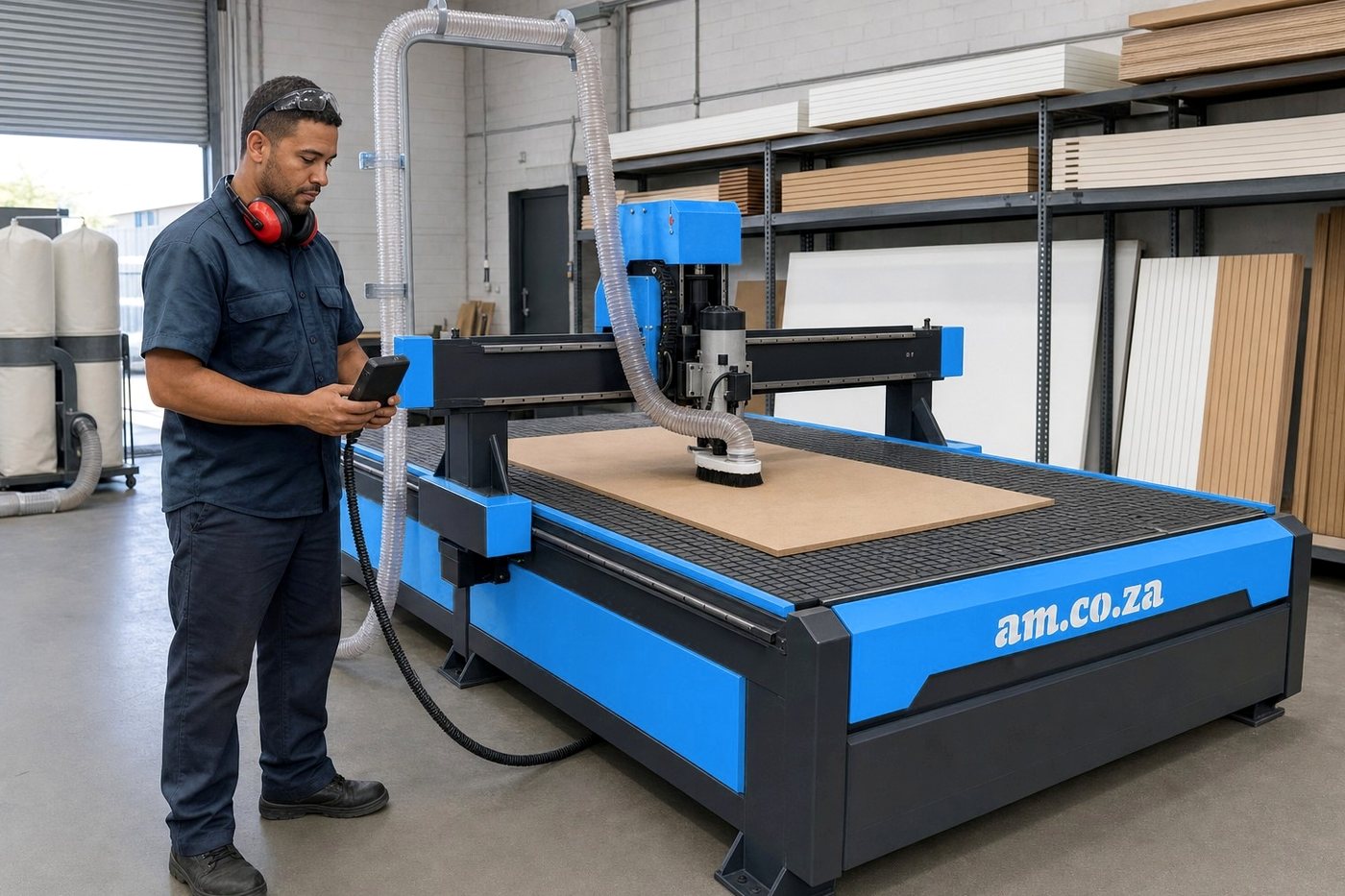
Two of the lessons that stuck with the team are on AM.CO.ZA’s YouTube channel too:
- Measure Each Tool Length for EasyRoute ATC CNC Router with Built-in Automatic Tool Presetter: every cutter is measured, so the groove depth holds whichever bit is in the spindle.
- Levelling Spoilboard by Skimming Spoilboard Surface by Flycutter Leveller with Router Bit: a level spoilboard under the MDF keeps a 3D pattern even from corner to corner.
The course ends with a certification exam, made up of a theory paper and a practical assessment, and Gerhard is working towards it.
What it means on a real wall
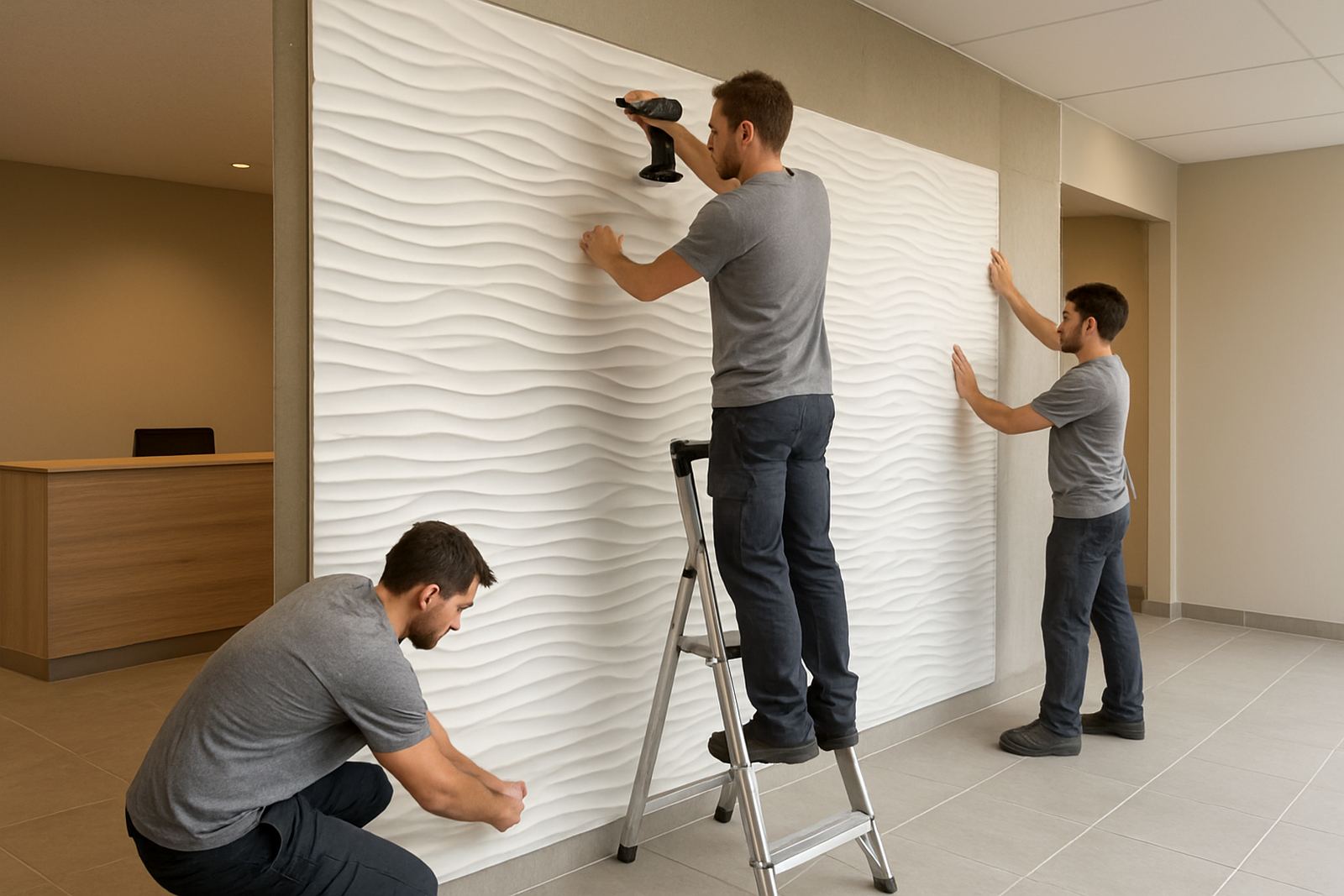
Routed panels now leave the workshop cut to the measure-up, with the cut-outs already in and the pattern lined up from board to board. Johan Smit, our installation manager, notices it most on site.
“There is less trimming on the client’s floor and less dust in an occupied home, and the joints land where the drawing said they would.”
Johan Smit, Installation Manager
It helps on bigger jobs as well. On commercial rollouts like the Tokai showroom wall, panels for several zones can be cut from one signed-off file, so the last batch matches the first. Panels that arrive ready to fit also travel well, whether they are going to a site in the Southern Suburbs or out through our nationwide dispatch.
Why AM.CO.ZA
Morne van Rensburg, our managing director, signed off the purchase.
“We wanted one supplier for the machine, the tooling and the training, and AM.CO.ZA covered all three: the EasyRoute, the cutters for it and a router course built on their own lesson videos.”
Morne van Rensburg, Managing Director
To see the rest of the range, browse the AM.CO.ZA product guide or visit the AM.CO.ZA Cape Town branch, which is just down the road in Montague Gardens.
Planning a feature wall?
Whether it is a single TV wall or a full reception, we will measure, match and cut it to your space. Visit our Montague Gardens showroom, request a quote, meet the team or get in touch. If you would like to work in a workshop like ours, see our careers page.